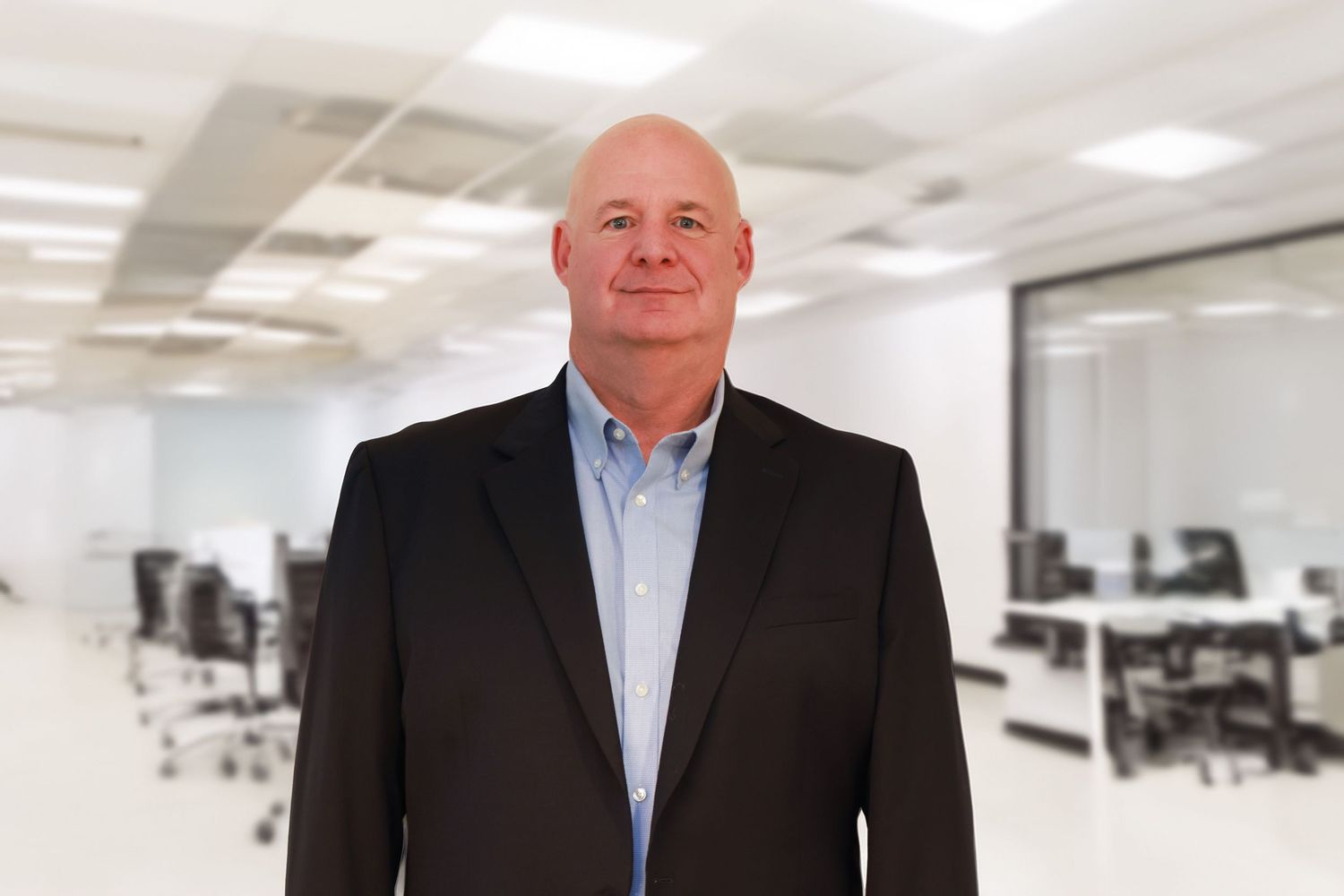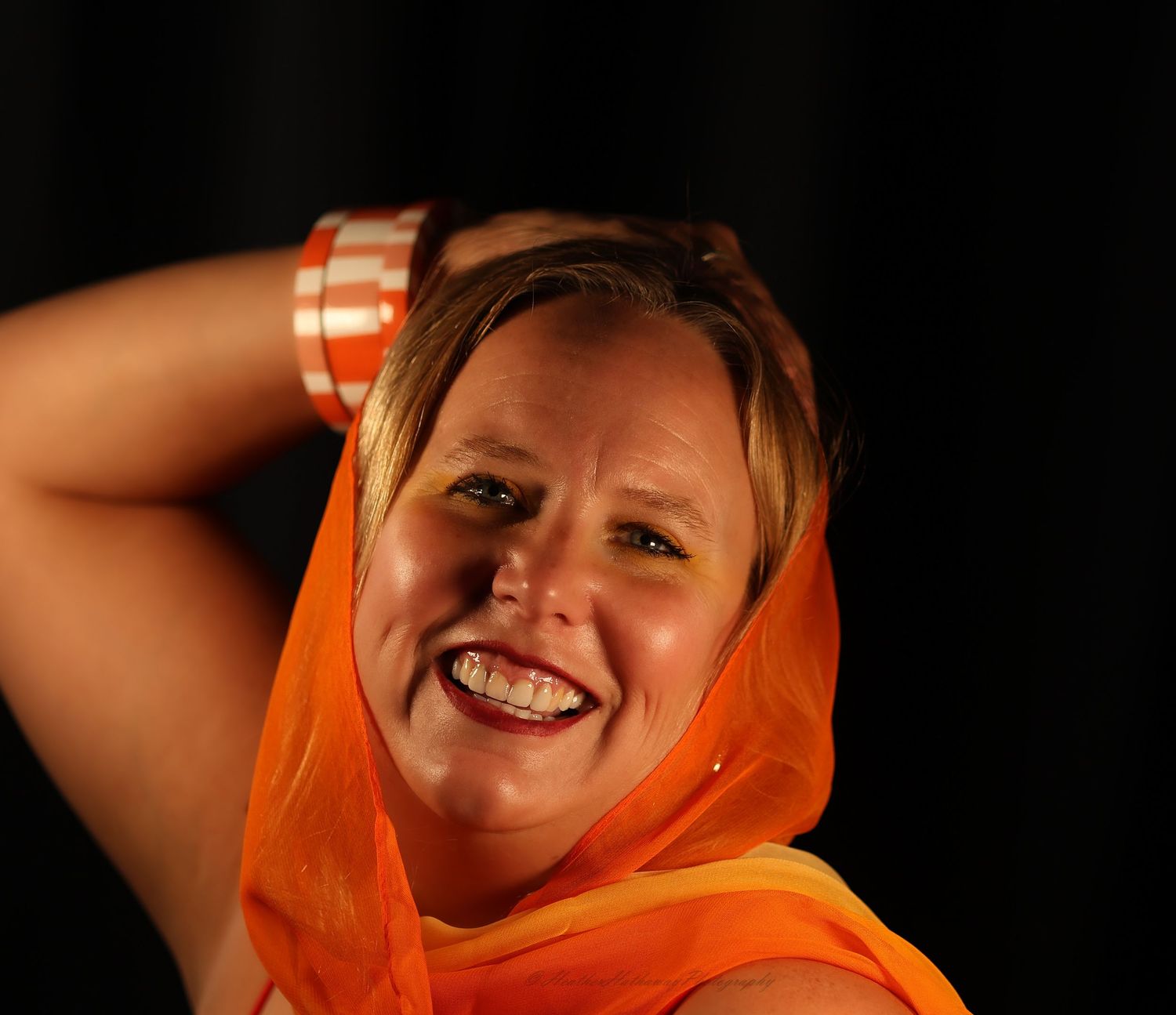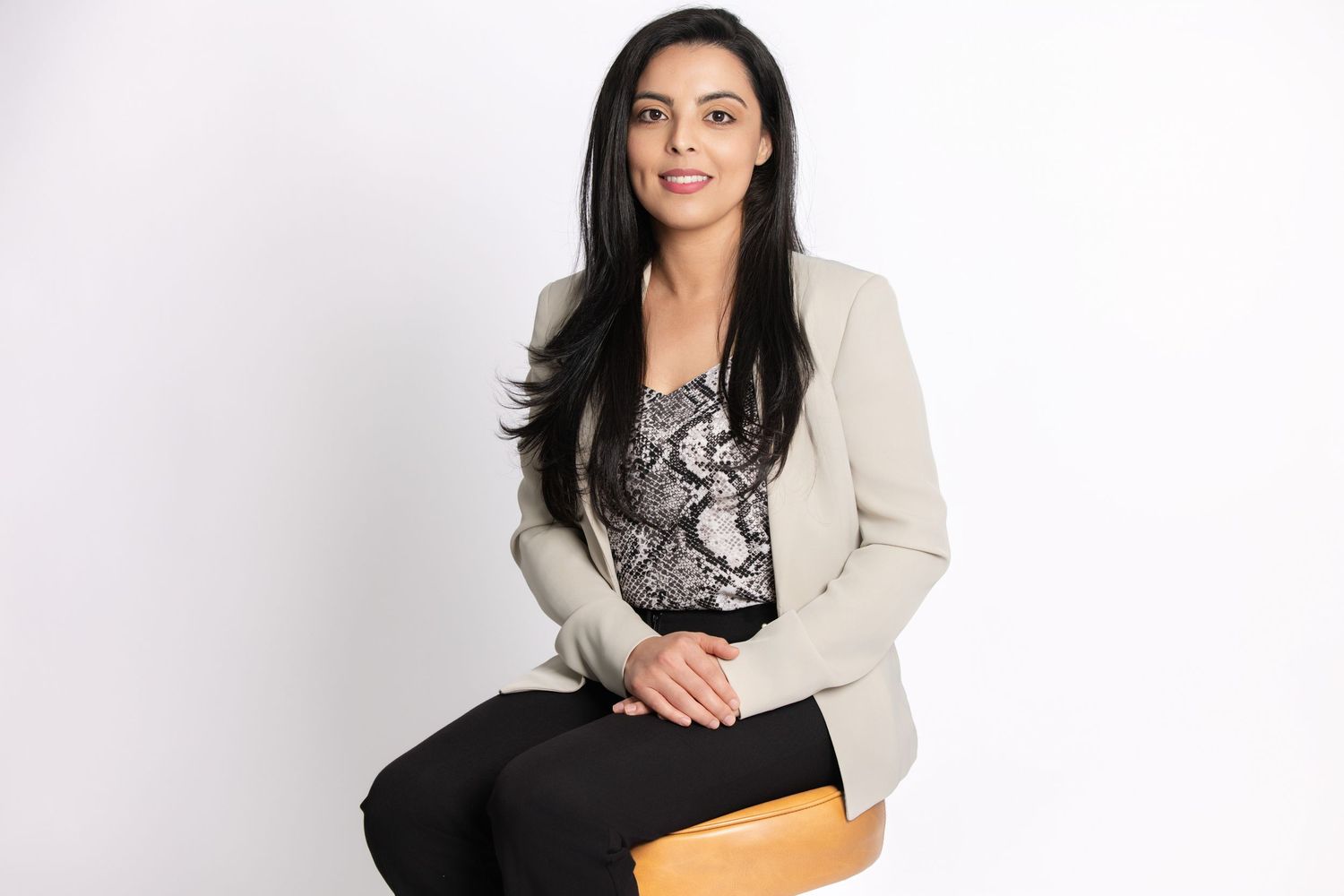
The 7 Mistakes That Make Profiles Look Unprofessional
Your LinkedIn photo is working when you’re not
In a place like Palm Harbor, a lot of opportunities happen through relationships—local networking, referrals, chamber connections, and “I know a person for that.”
But online, LinkedIn is often the first handshake.
Before someone reads your headline, checks your experience, or clicks your website, they see your photo. And whether we like it or not, that image quietly answers:
- Do you look current?
- Do you look professional?
- Do you look approachable and credible?
I’m Heather Hathaway, a portrait photographer based in Palm Harbor, Florida, serving clients across the Tampa Bay area. Below are the 7 most common LinkedIn headshot mistakes I see—and exactly how to fix them.
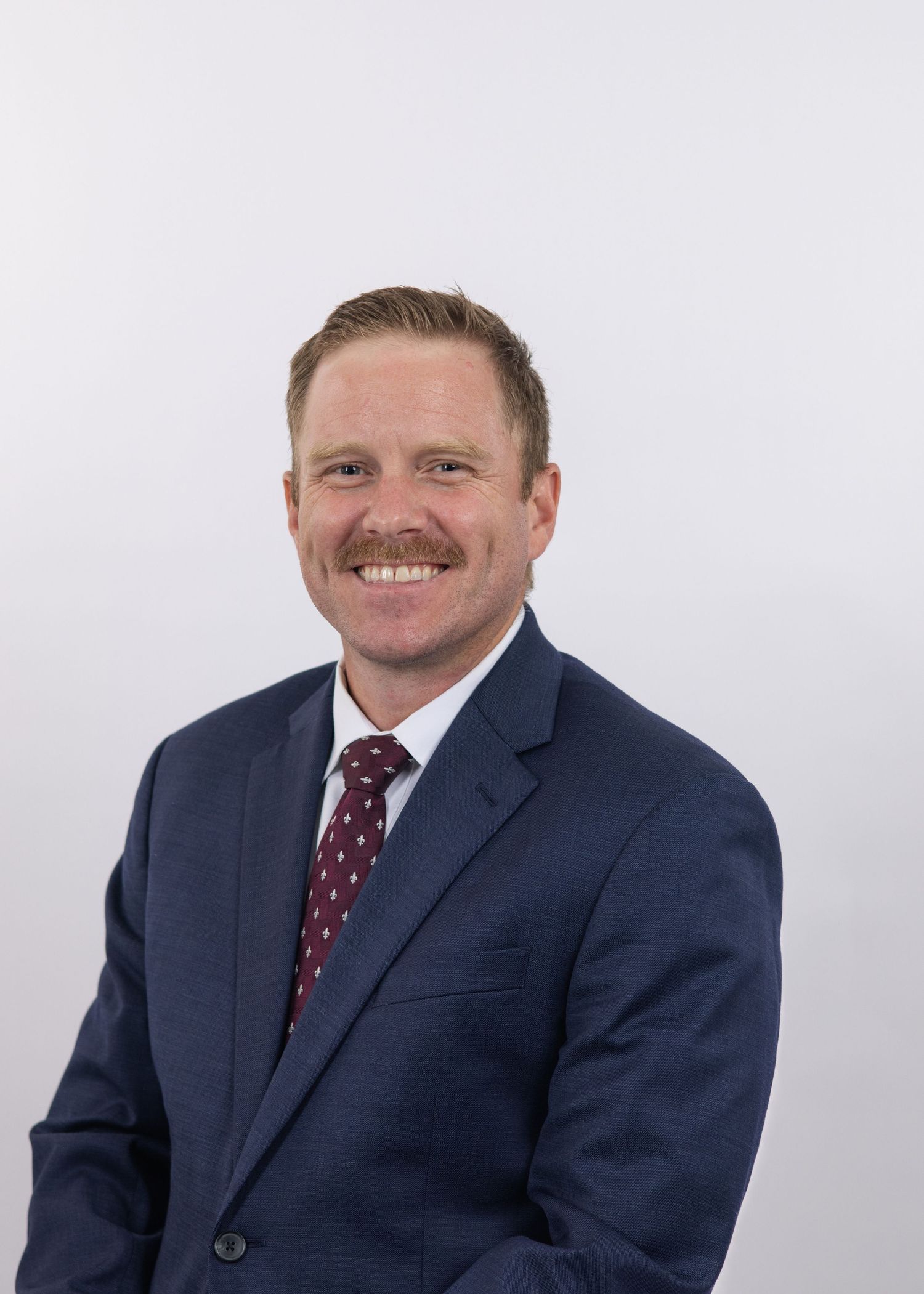
The 7 deadly mistakes
Mistake #1: Cropping too wide (you look far away)
If your face takes up a small portion of the frame, people can’t connect with you quickly—especially on mobile.
Fix:
Use a head-and-shoulders crop where your face is clearly visible and your eyes are the focal point.
Quick check: If someone scrolls fast, can they recognize you instantly? If not, crop tighter.
Mistake #2: Harsh lighting or overhead shadows
Overhead lighting (like office fluorescents) creates unflattering shadows under eyes and emphasizes texture.
Fix:
Choose soft, directional light that:
- keeps eyes bright
- smooths shadows naturally
- looks clean and professional
This is one reason studio-style headshots are so popular for LinkedIn headshots in Palm Harbor—we control the light so you look polished without looking over-edited.
Mistake #3: Busy backgrounds that compete with you
If your background has clutter, people, signage, or high contrast, your face stops being the focus.
Fix:
Use a clean, simple background that supports your industry and vibe:
- neutral studio tones
- subtle texture
- soft outdoor blur (if it’s intentional and not distracting)
Your LinkedIn photo should make it easy to focus on you, not what’s behind you.
Mistake #4: The “forced smile” (aka the panic grin)
A forced smile reads as nervous, not confident. And most people know immediately when it doesn’t feel natural.
Fix:
Aim for “confident and relaxed,” not “cheese.”
In my sessions, I coach expressions with small adjustments that make a huge difference:
- micro-changes in chin angle
- breathing and posture
- prompts that create a real expression, not a fake one
The goal is to look like someone a client, employer, or collaborator would trust.
Mistake #5: Wrinkled, overly casual, or off-brand wardrobe
Wardrobe doesn’t need to be fancy—but it does need to look intentional.
Fix:
Choose pieces that match your role and the impression you want to make:
- structured tops, blazers, clean collars
- solid colors that flatter your skin tone
- minimal patterns (they distract and can photograph strangely)
If you’re in Palm Harbor and your work is client-facing (real estate, wellness, coaching, law, finance, medical, small business), your headshot should visually say: “I’m professional, current, and ready.”
Mistake #6: Heavy filters or over-editing
LinkedIn isn’t Instagram. Over-smoothing skin, changing facial structure, or heavy filters can make your photo feel less trustworthy.
Fix:
Professional retouching should be natural:
- clean up temporary blemishes
- soften under-eye shadows lightly
- even skin tone while keeping texture
- keep you looking like you
Think: polished, not plastic.
Mistake #7: Using a photo that doesn’t match your current look
If your photo is from years ago, people feel a disconnect when they meet you. It’s subtle, but it matters.
Fix:
Update your headshot every 1–2 years, or anytime you’ve had a noticeable change:
- hair length/color
- weight change
- glasses
- style shift
- new role/industry
A current headshot signals confidence and professionalism—especially if you’re actively networking in Palm Harbor or the Tampa Bay area.
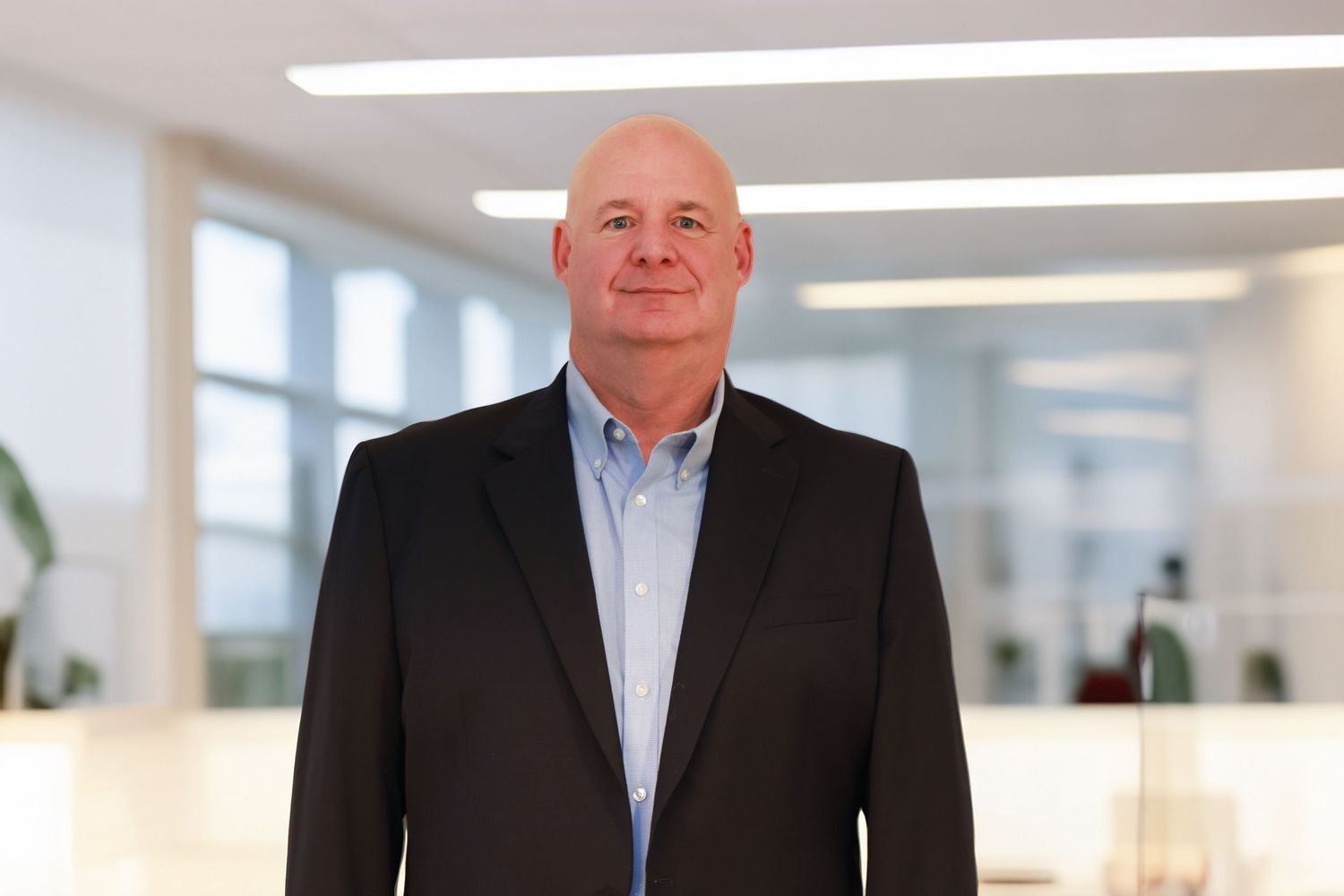

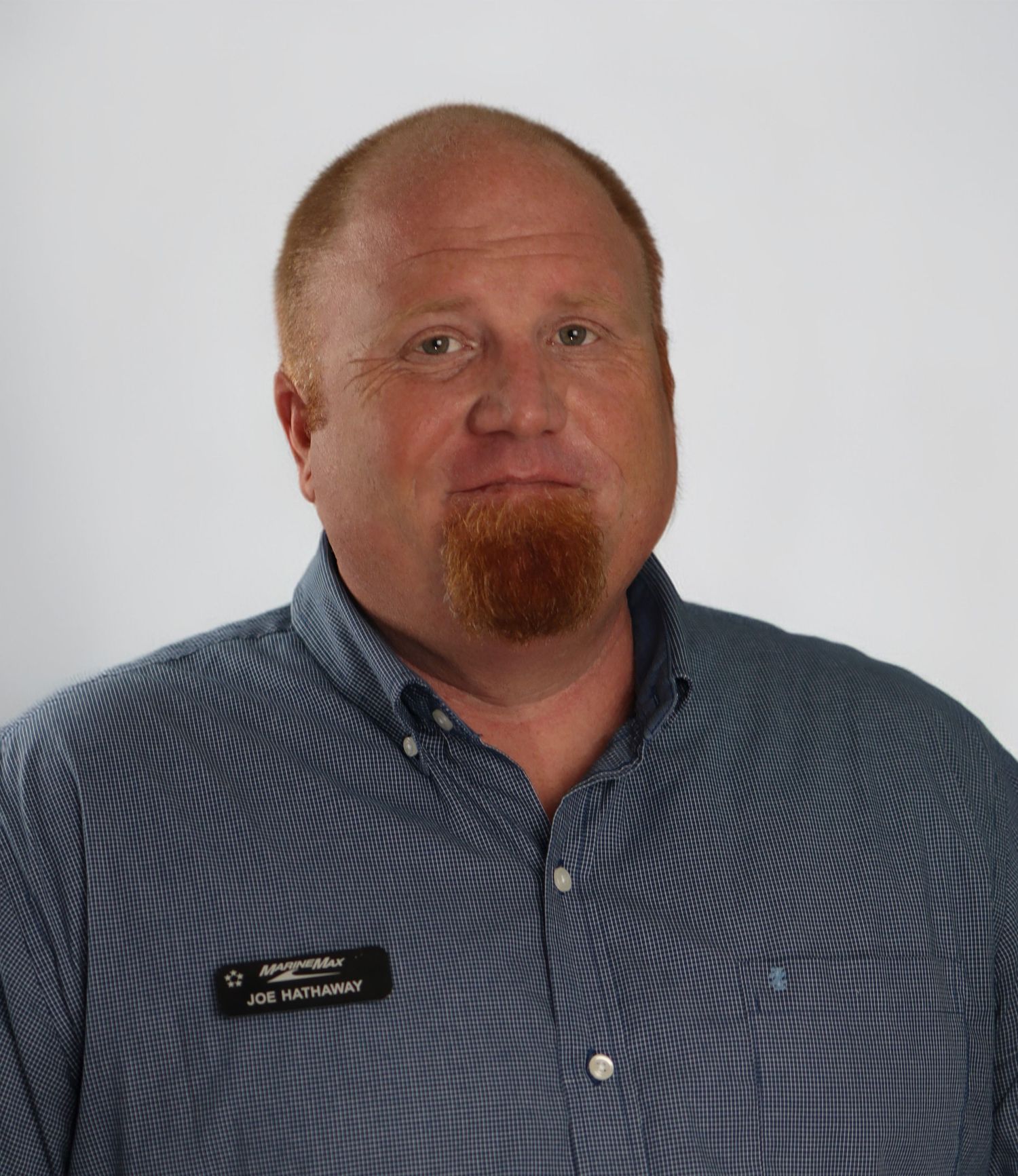
Quick checklist:
what a great LinkedIn headshot includes
If you want a simple standard to aim for, here’s the checklist I use:
- clean, non-distracting background
- flattering light with bright eyes
- sharp focus (especially on eyes)
- confident, relaxed expression
- wardrobe aligned with your role
- modern crop that reads well on mobile
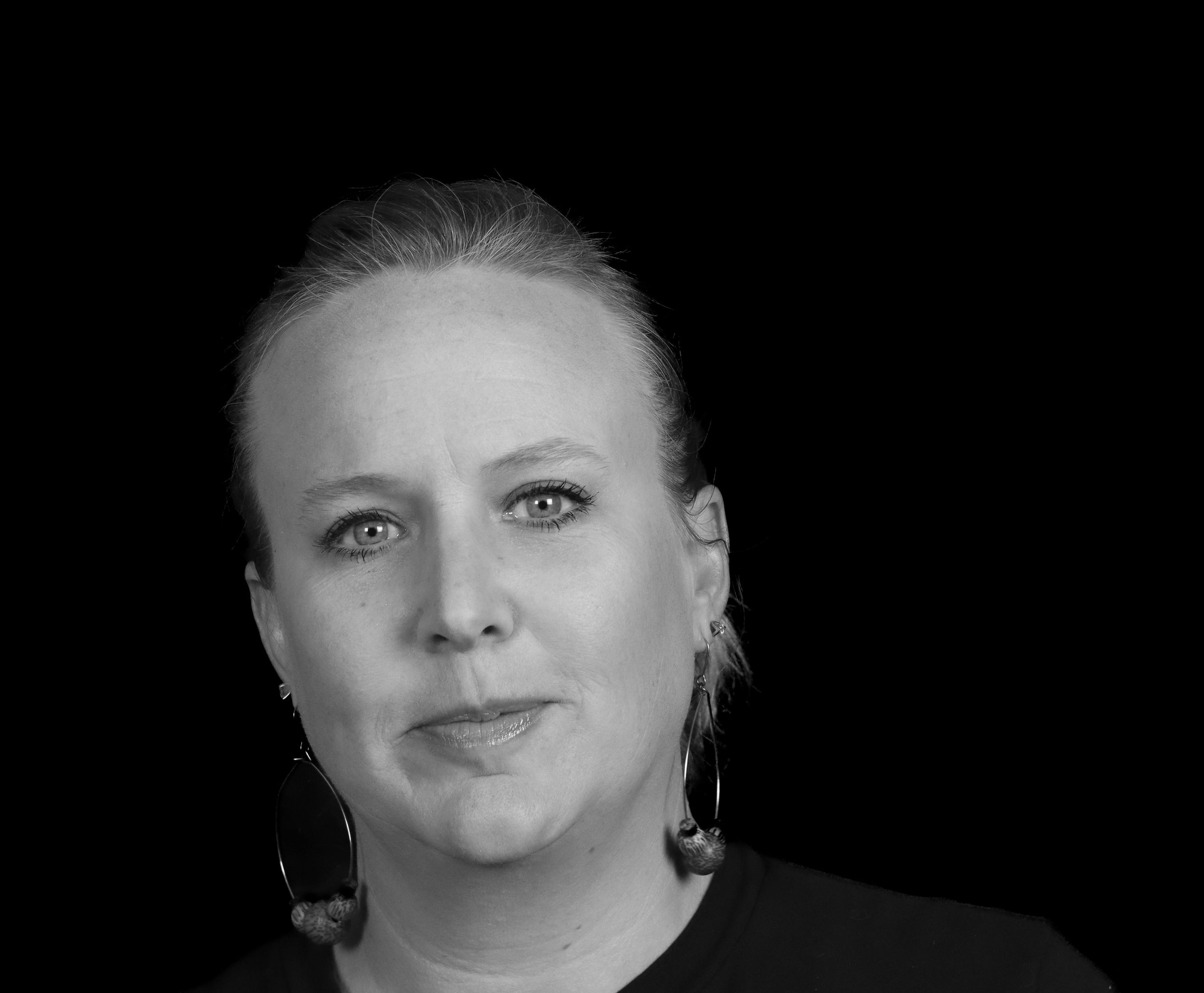
Need a LinkedIn-ready headshot in Palm Harbor—fast?
If you want a clean, professional photo that looks like the best current version of you (without feeling awkward in front of the camera), I offer a streamlined option:
Headshot Special:
- 20 minutes
- 5 retouched images
- 3-day delivery
- $200
Say HELLO! Let's work together.
Studio:
96 Eastwinds Court
Palm Harbor, FL 34683
INQUIRIES:
heather@heatherhathawayphotographyllc.com
(727) 210-5911